> ## Documentation Index
> Fetch the complete documentation index at: https://cometchat-22654f5b-feature-react-native-sdk-quotedmessage-a.mintlify.site/llms.txt
> Use this file to discover all available pages before exploring further.
# Introduction
## Overview
Theming in CometChat allows you to create visually consistent and customizable user interfaces that align with your application's branding. With the `CometChatTheme.DayNight` style which is built on `Theme.MaterialComponents.DayNight.NoActionBar` and acts as a global theme applied across all components, you can seamlessly integrate light and dark modes, define custom colors, typography, and component-specific styles, and enhance user experience across all CometChat components.
## Using Theming in Your Project
Set the `CometChatTheme.DayNight` as the parent theme for your application in the `themes.xml` file. You can extend it with your custom theme as needed:
```html theme={null}
```
In your AndroidManifest.xml file, set the theme for your application or activity:
```html theme={null}
```
If you need to apply specific styles to a particular activity, override the theme as follows:
```html theme={null}
```
 ## Customization
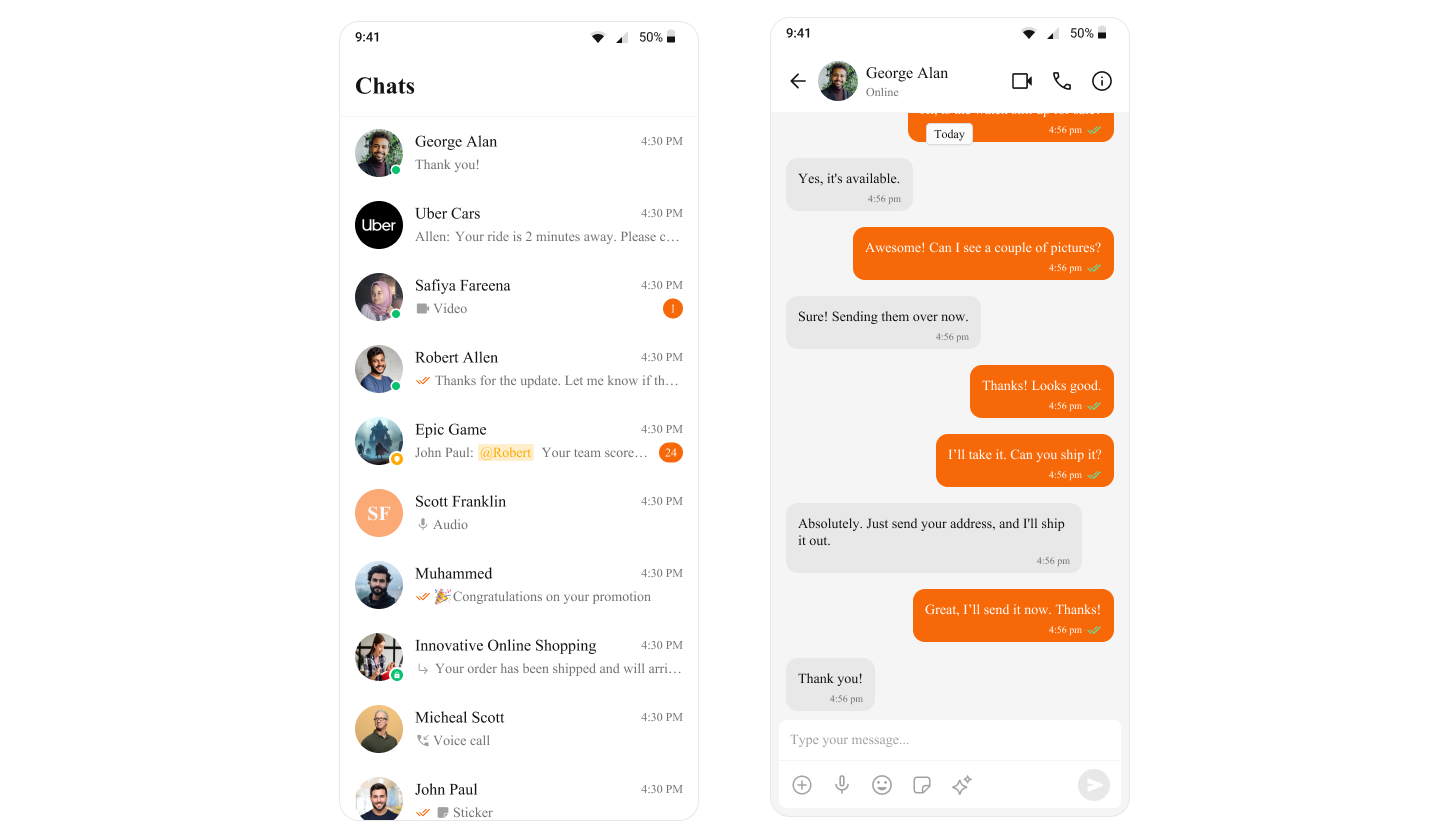
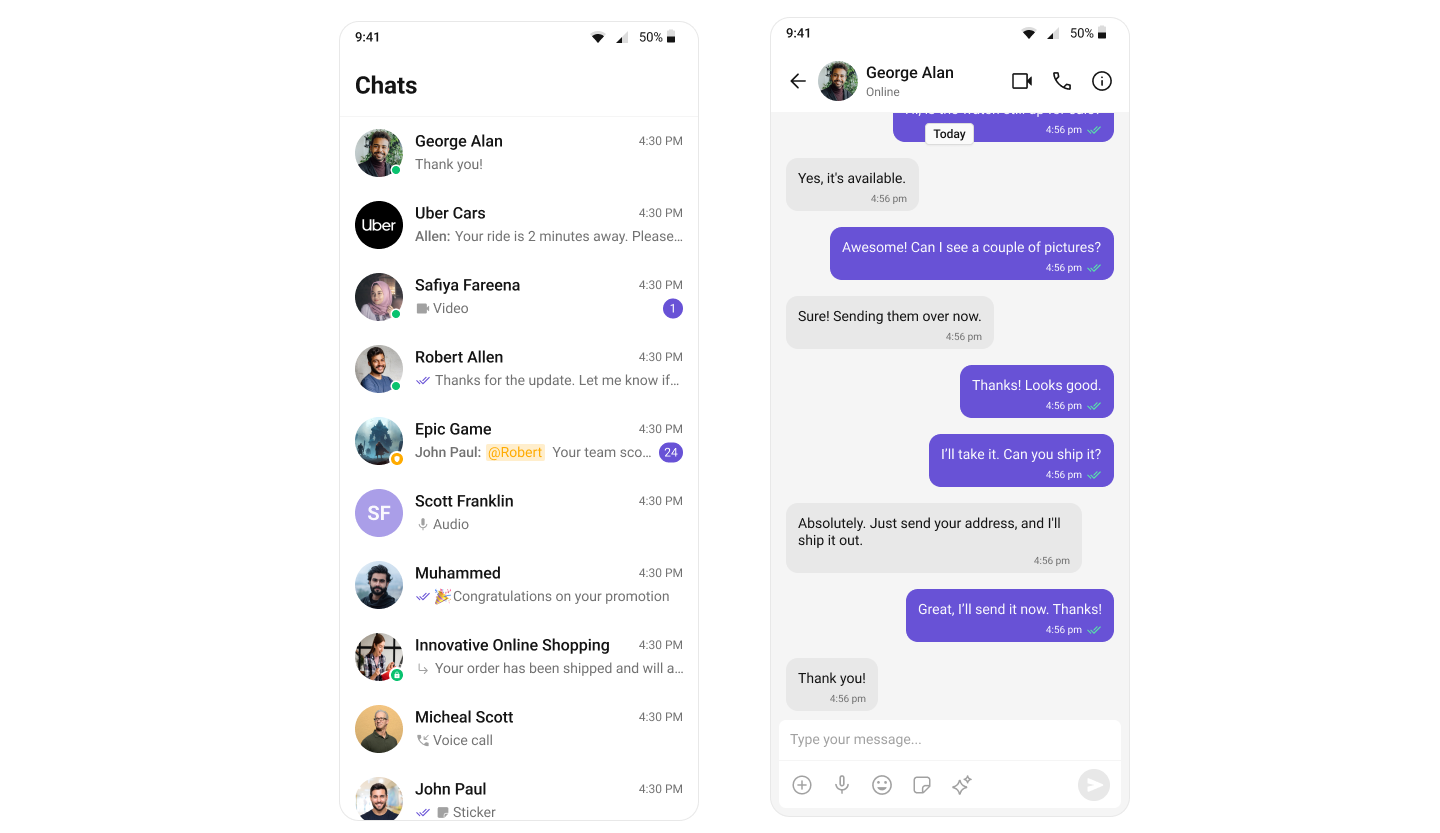
To customize the primary color in your app, you can override the cometchatPrimaryColor attribute in your theme. Here's how:
```html theme={null}
```
To know more such attributes, visit the [theme attributes file](https://github.com/cometchat/cometchat-uikit-android/blob/v5/chatuikit/src/main/res/values/attr_cometchat_theme.xml).
## Customization
To customize the primary color in your app, you can override the cometchatPrimaryColor attribute in your theme. Here's how:
```html theme={null}
```
To know more such attributes, visit the [theme attributes file](https://github.com/cometchat/cometchat-uikit-android/blob/v5/chatuikit/src/main/res/values/attr_cometchat_theme.xml).